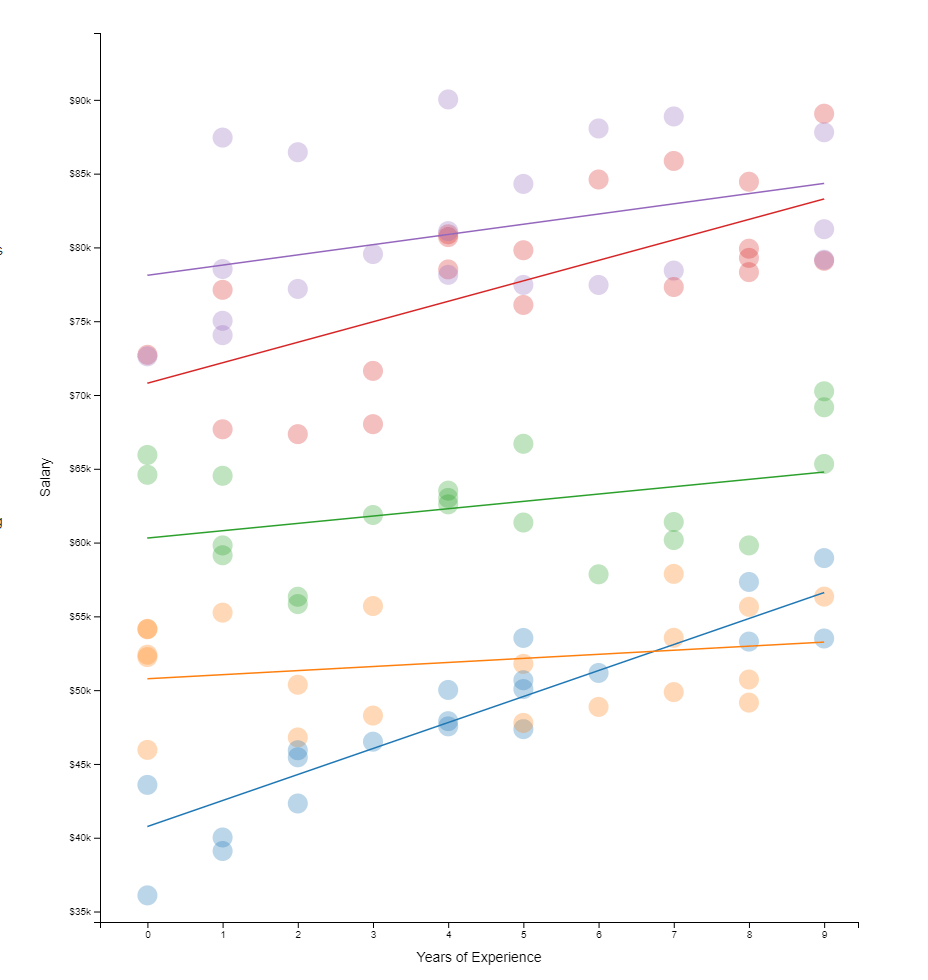
Hierarchical models I have covered before on this blog. These models are super relevant in practice. For instance, in HR, employee data is always nested within teams which are in turn nested within organizational units. Also in my current field of insurances, claims are always nested within policies, which can in turn be nested within product categories. Data is hierachical, and we need to take that into account when we model it.
Hierarchical models do just that. Interested in how they do this? Have a look at this amazing browser application made in React.js!
All code for this project is on GitHub, including the script to create the data and run regressions (done inR). Feel free to issue a pull request for improvements, and if you like it, share it on Twitter. Layout inspired by Tony Chu.
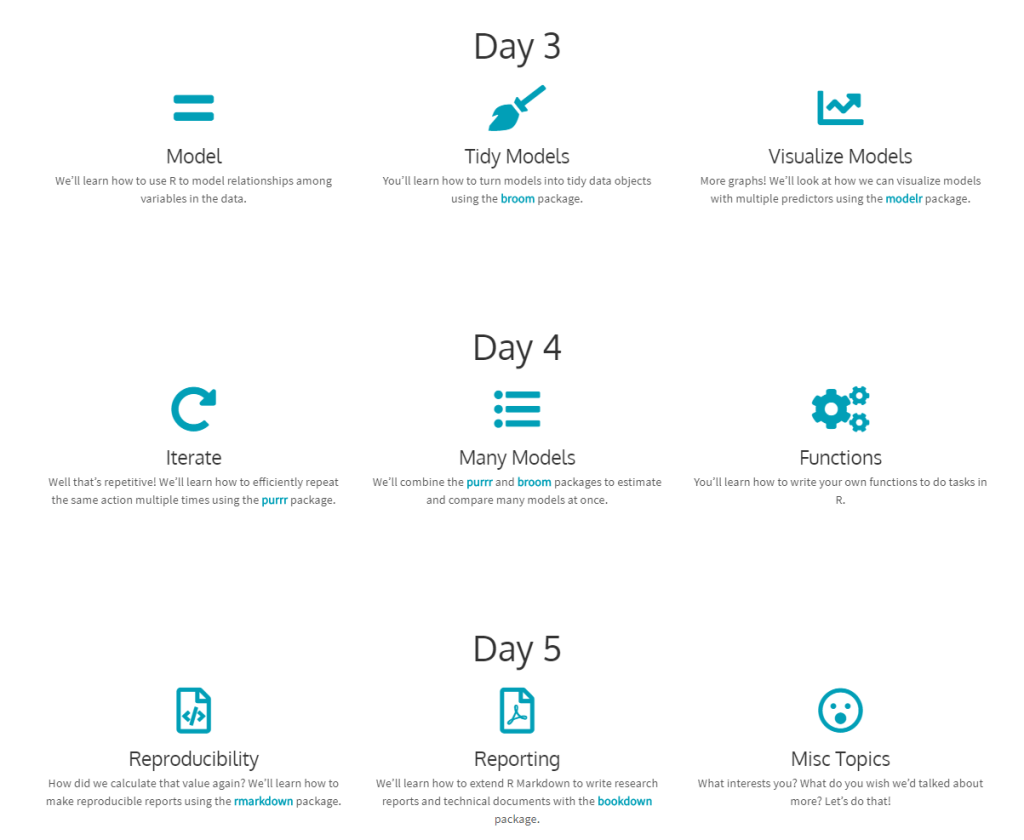
This workshop is designed for those who want to learn how to use R to analyze data. The material is based on Hadley Wickham and Garrett Grolemund’s R for Data Science. We’ll talk about how to conduct a complete data analysis from data import to final reporting in R using a suite of packages known as the tidyverse. The two goals of this workshop are: 1) learn how to use R to answer questions about our data; and 2) write code that is human readable and reproducible. We will also talk about how to share our code and analyses with others.
You should take this workshop if you are new to R, or to the tidyverse, and want to learn how to take advantage of this ecosystem to do data analysis. You’ll get the most from the workshop if you are primarily interested in applying pre-existing R packages and functions to your own data. We will give minimal tutorials on how to write your own functions; however, the main focus will be on using existing tools, rather than building our own.
In this tutorial, you will be introduced to the command line. We have selected a set of commands we think will be useful in general to a wide range of audience. […] after completing this tutorial, readers should be able to use the shell for version control, managing cloud services (like deploying your own shiny server etc.), execute commands in R & RMarkdown and execute R scripts in the shell.
If you want a deeper understanding of using command line for data science, the original authors suggest you read Data Science at the Command Line. Moreover, Software Carpentry has a lesson on shell. More references are listed at the end of the original tutorial. Use the clickable table of contents to quickly browse to the topic of your interest:
Xander Steenbrugge shared his latest work on LinkedIn yesterday, and I was completely stunned!
Xander had been working on, what he called, a “fun side-project”, but which was in my eyes, absolutely awesome. He had used two generative adversarial networks (GANs) to teach one another how to respond visually to changing audio cues.
This resulted in the generation of stunning audio-visual fanatasy worlds that are complete brain porn. You just can’t stop staring. So much is happening in these video’s; everything looks familiar, whereas nothing really represent anything realistic. There’s always a sliver of reality before the visual shapes morph to their next form.
Have a look yourself at the video’s on Xander’s new Youtube channel “Neural Synesthesia“ dedicated to this project. The videos are also hosted here on Vimeo, where they are rendered in higher resolution even.
This is my favorite video, but there are more below.
Amazing how the image responds to changes in the music, right? I suspect Xander let’s the algorithm traverse some latent space with spaces that are determined by the bass, trebble, and other audio-cues.
Here’s another one of Xander’s videos, with the same audio track as background:
But Xander didn’t limit his GANs to generating landscapes and still paintings, but he also dared to do some human faces. These also turned out amazing.
Both the left and right face seem to start out in about the same position/seed in the latent space, but traverse in different, though still similar directions, morphing into all kinds of reaslistic and more alien forms. The result is simply out of this world!
Curious to see where this project and others head as we continue to see development in this GAN field. This must turn the world of design and art up side down in the coming decade…
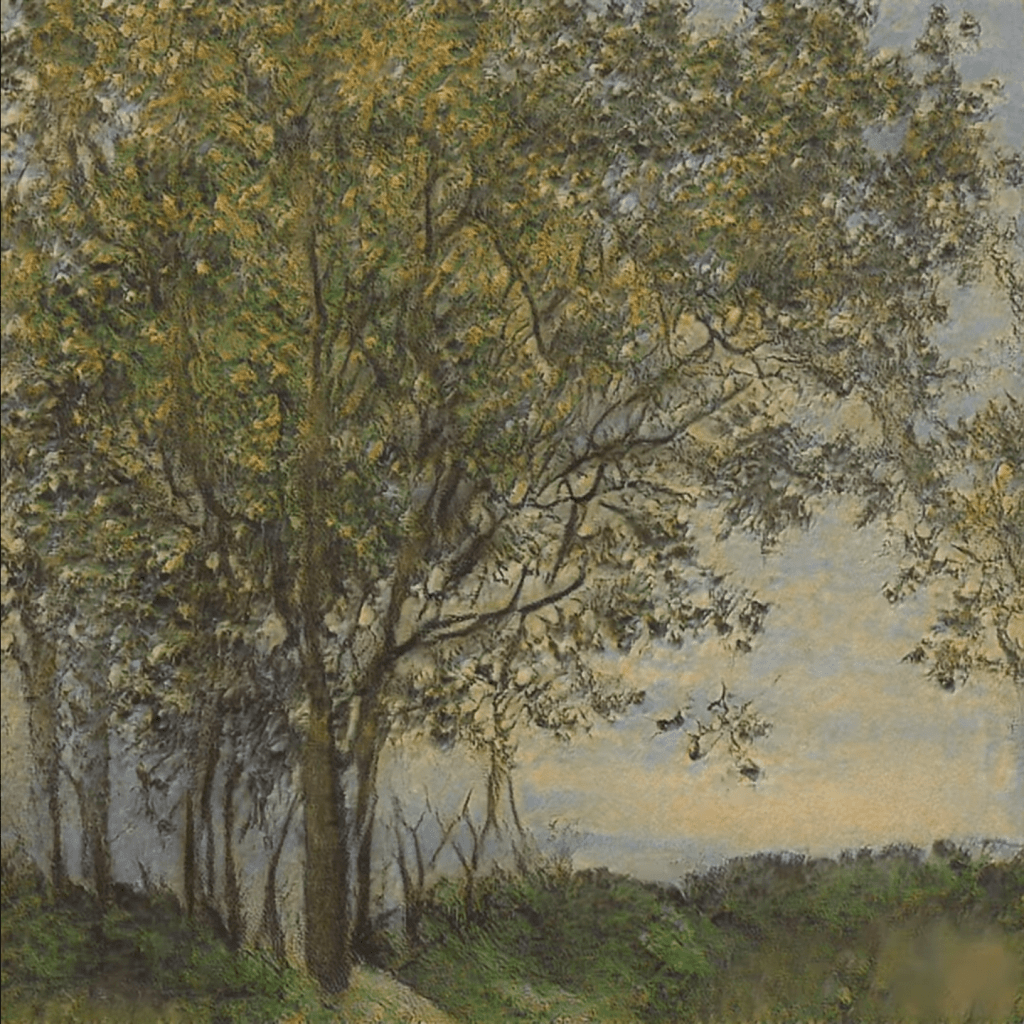
A beautiful machine-generated still from the Neural Synthesia videos (link)
Sharon’s list contains many neat tricks, some of which less well-known base functions, others features of more niche packages. Here’s the ones I am definitely adding to my R tricks overview and want to highlight here as well:
Categorize values into interval cut()
Convert numbers that came in as strings with commas to R numbers with readr::parse_number(mydf$mycol)
Create a searchable, sortable HTML table in 1 line of code with DT::datatable(mydf, filter = 'top')
Display a fraction between 0 and 1 as a percentage with scales::percent(myfraction)
Generate a vector of 1:length(myvec) with seq_along(myvec)
Now that I’m slowly familiarizing myself in the world of Python, I am much more often confronted with classes and object-oriented programming (OOP). While R has its own OOP paradigms (yes, multiple, obviously, it’s R after all), I have never experienced the need to create my own classes. However, in other languages, like Python, Ruby, or Java, OOP is much more an essential of developers’ and programmers’ skillsets.
Now, I personally won’t start on learning Java anytime soon. Hence, I am just sharing this pearl of a resource with a wider audience right now. This MOOC by the university of Helsinki has been in my inbox for quite a while: Object-Oriented Programming with Java. If you understand Finnish, you can even take the 2019 Finnish version of the course.
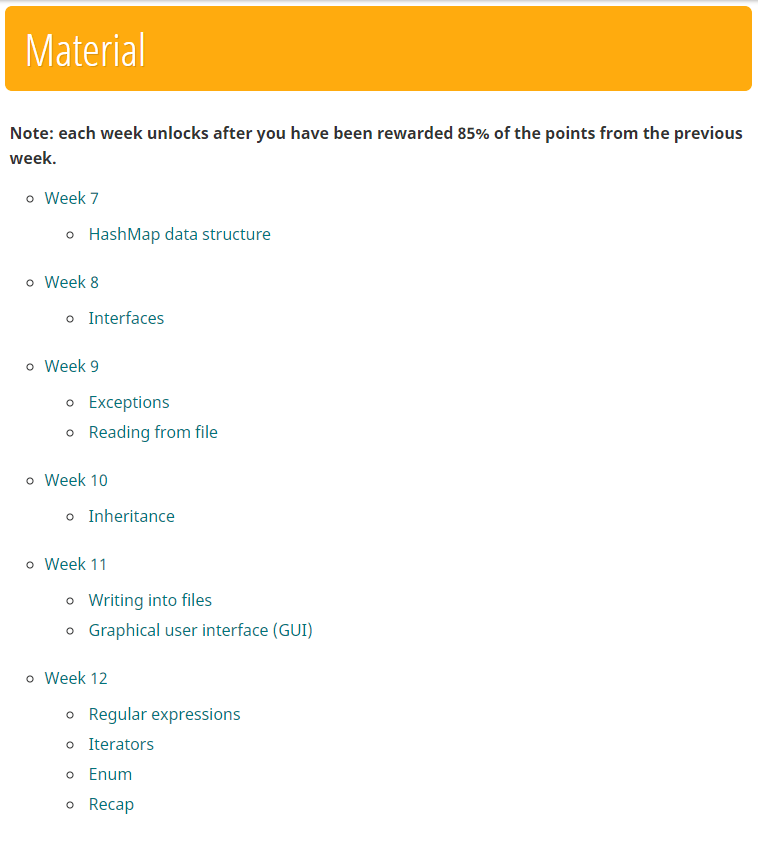
During this course you will learn all the basics of computer programming, algorithms and object-oriented programming using the Java programming language. The course includes comprehensive course materials and plenty of programming exercises, each tested using our automatic testing service Test My Code.
Part 1 of the course will teach you all the basics of the Java language:
Part 2 continues with some more advanced topics:
While I have not taken the course myself yet, I have read a lot of good reviews about it. Moreover, what better way to learn a new language than by deep diving into it with a specialized topic like OOP. And it’s free! And taught by trained academics! What are you still doing here, start learning!







 paulvanderlaken.com