Category: programming

Flow charts and process diagrams with Draw.io & VS Code

Flow charts and process diagrams with Draw.io & VS Code

A flowchart is a picture of the separate steps of a process in sequential order. It it super useful to organize and interpret business processes, IT systems, or computer algorithms.

Icon Process #369494 - Free Icons Library
Example of a very simple flowchart

I draw flowcharts and process diagrams all the time in my daily work as a data scientist!

Drawing out the business process is often a first step in any project, in order to really understand the underlying business workflow and problems. I feel doing so greatly facilitates opportunity finding.

Moreover, when designing a machine learning or data science architecture — with data coming from different sources, being manipulated using different workflows, and ending up in models feeding multiple business processes — drawing the whole she-bang out really helps me personally to keep overview.

There are licensed software programs such as Microsoft Visio that allow you to create flowcharts. But there are also numerous free applications that can help you draw up a flow chart.

It's easier than ever to create beautiful flowcharts from Data Visualizer -  Microsoft Tech Community
Via Microsoft Tech Community

Draw.io or app.diagrams.net is my favorite free online application.
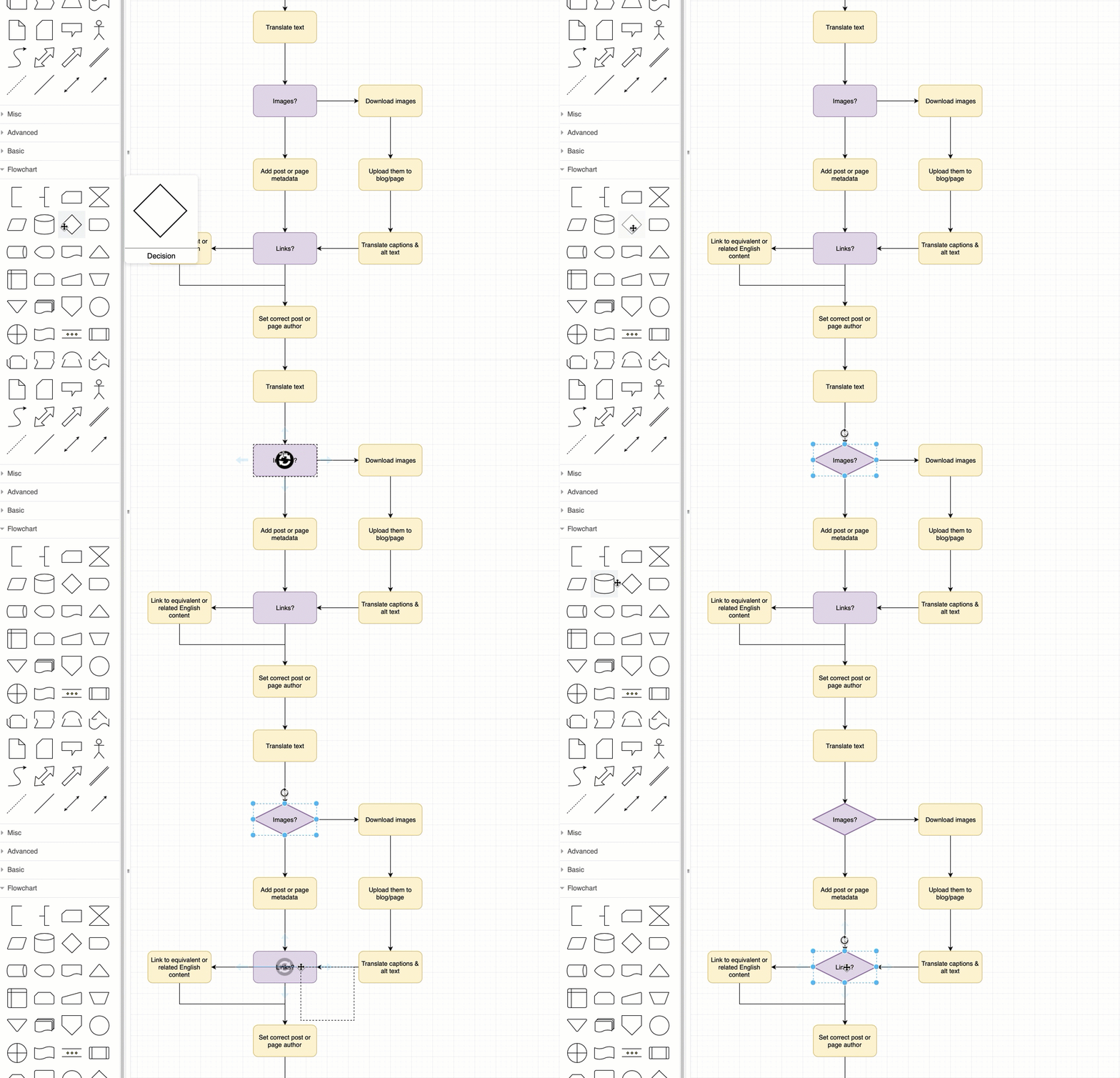
How to create flow charts in draw.io - draw.io
Via Draw.io

It allows the easy creation of beatiful flowcharts and process diagrams.

Here’s another great static example:

How to customise the draw.io interface in Confluence Cloud : draw.io  Helpdesk

Moreover, Draw.io easily integrates with other suites, like google drive, one drive, et cetera.

Now, some fellow geek out there — Henning Dieterichs — actually built an unofficial draw.io plugin for Visual Studio Code.

I’ve recently transitioned to VS Code for all my Python programming, so I really welcome this cool feature. It integrates all the flow chart functionality of draw.io right there in your IDE. Incredible!

Here’s a demo:

Via github

Here’s another demo, but with a light theme, showing how easy it is to export your diagrams to a shareable png file.

Via github

Moreover, due to VS Code’s amazing “LiveShare” feature, you can even collaborate with colleagues and build a flow chart together, simulatenously:

via Github

Now there are many more features to this plugin. You can write and change the JavaScript code behind the objects to tailor it completely to your theme and tastes. Or if you prefer working with XML, you can just alter that code. Everything seems to work as a charm.

Have a look at the plugin yourself: https://github.com/hediet/vscode-drawio


Note:
I am in no way affiliated with Draw.io, Microsoft, Visual Studio Code, or the author of this plugin.
I just get enthusiastic : )


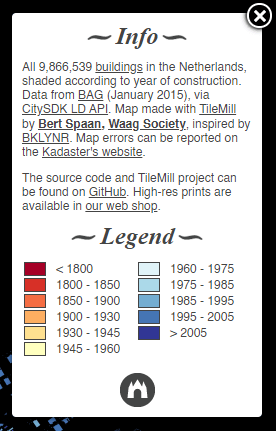
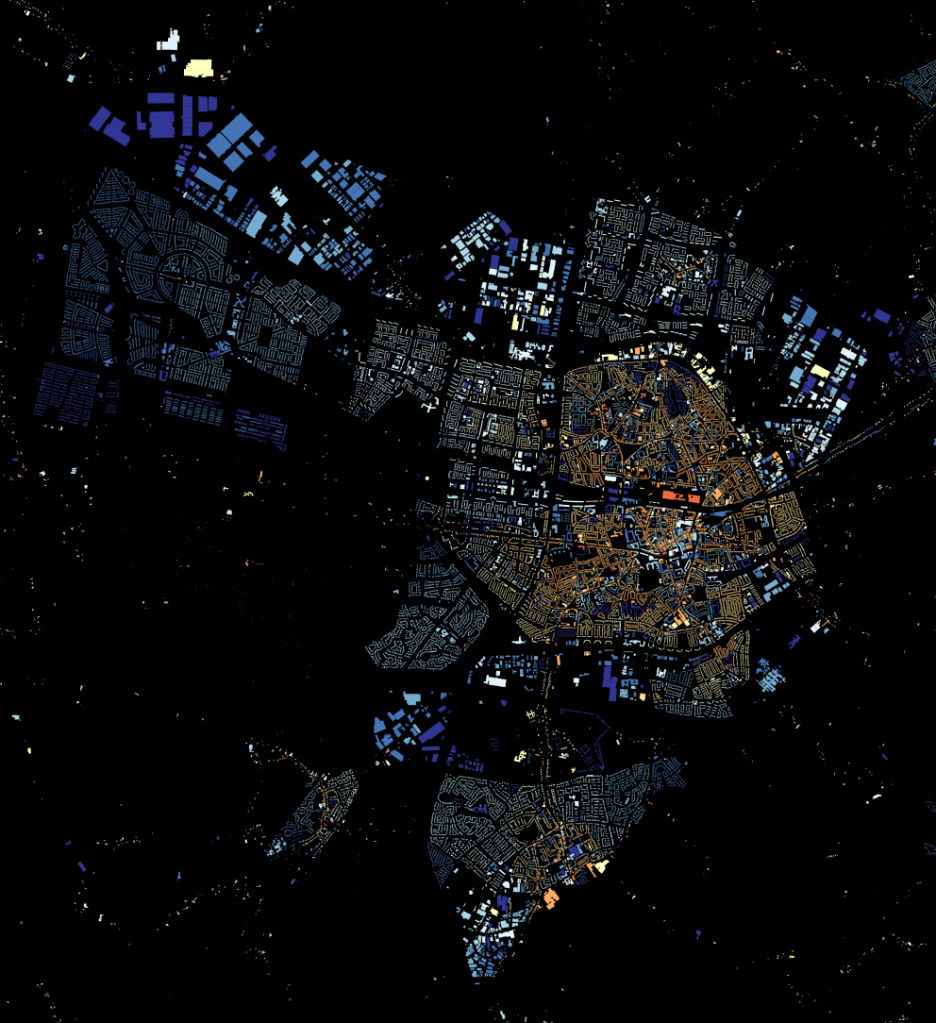
All buildings in the Netherlands, color coded by year of construction

All buildings in the Netherlands, color coded by year of construction

Could you guess that you are looking at Amsterdam?

Maybe you spotted the canals?

Bert Spaan colorcoded every building in the Netherlands according to their yaer of construction and visualized the resulting map of nearly 10 million buildings in a JavaScript leaflet webpage.

It resulted in this wonderful map, which my screenshots don’t do any honor. So have a look yourself!

https://github.com/waagsociety/buildings/tree/gh-pages/high-res

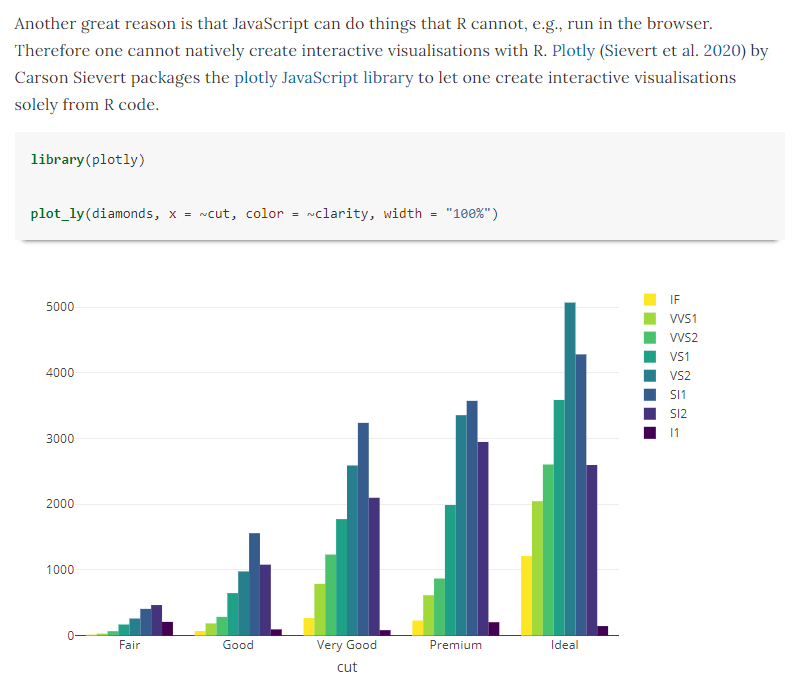
JavaScript for R — ebook

JavaScript for R — ebook

The R programming language has seen the integration of many languages; C, C++, Python, to name a few, can be seamlessly embedded into R so one can conveniently call code written in other languages from the R console. Little known to many, R works just as well with JavaScript—this book delves into the various ways both languages can work together.

https://book.javascript-for-r.com/

John Coene is an well-known R and JavaScript developer. He recently wrote a book on JavaScript for R users, of which he published an online version free to access here.

The book is definitely worth your while if you want to better learn how to develop front-end applications (in JavaScript) on top of your statistical R programs. Think of better understanding, and building, yourself Shiny modules or advanced data visualizations integrated right into webpages.

A nice step on your development path towards becoming a full stack developer by combining R and JavaScript!

Yet most R developers are not familiar with one of web browsers’ core technology: JavaScript. This book aims to remedy that by revealing how much JavaScript can greatly enhance various stages of data science pipelines from the analysis to the communication of results.

https://book.javascript-for-r.com/

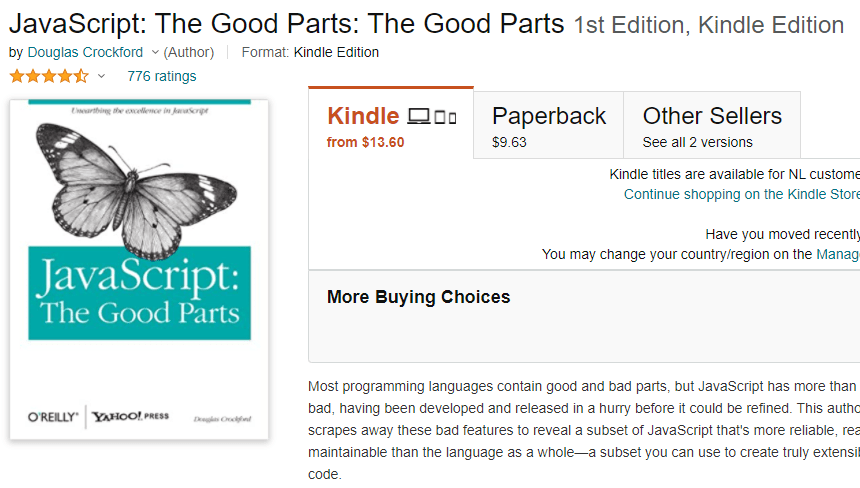
Want to learn more about JavaScript in general, then I recommend this book:

Bayesian Statistics using R, Python, and Stan

Bayesian Statistics using R, Python, and Stan

For a year now, this course on Bayesian statistics has been on my to-do list. So without further ado, I decided to share it with you already.

Richard McElreath is an evolutionary ecologist who is famous in the stats community for his work on Bayesian statistics.

At the Max Planck Institute for Evolutionary Anthropology, Richard teaches Bayesian statistics, and he was kind enough to put his whole course on Statistical Rethinking: Bayesian statistics using R & Stan open access online.

You can find the video lectures here on Youtube, and the slides are linked to here:

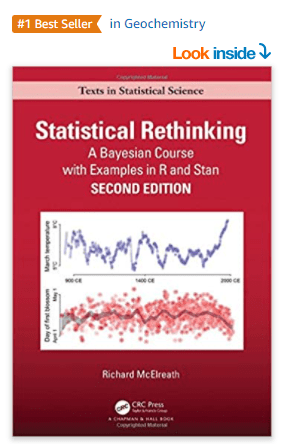
Richard also wrote a book that accompanies this course:

For more information abou the book, click here.

For the Python version of the code examples, click here.

Big Book of R

Big Book of R

Oscar Baruffa collected over 100 books on the R programming language, in his Big Book of R.

Many of these books you will also find in my R resources list.

Yet, Oscar sectioned them in neat categories, such as:

Oscar could still use some help maintaining this resource, so have a look at its github to contribute.

Handling and Converting Data Types in Python Pandas

Handling and Converting Data Types in Python Pandas

Data types are one of those things that you don’t tend to care about until you get an error or some unexpected results. It is also one of the first things you should check once you load a new data into pandas for further analysis.

Chris Moffit

In this short tutorial, Chris shows how to the pandas dtypes map to the numpy and base Python data types.

A screenshot of the data type mapping.

Moreover, Chris demonstrates how to handle and convert data types so you can speed up your data analysis. Both using custom functions and anonymous lambda functions.

A snapshot from the original blog.

A very handy guide indeed, after which you will be able to read in your datasets into Python in the right format from the get-go!

Using data type casting, lambda functions, and functional programming to read in data in Python. Via pbpython.com/pandas_dtypes.html