After several years of proscrastinating, the inevitable finally happened: Three months ago, I committed to learning Python!
I must say that getting started was not easy. One afternoon three months ago, I sat down, motivated to get started. Obviously, the first step was to download and install Python as well as something to write actual Python code. Coming from R, I had expected to be coding in a handy IDE within an hour or so. Oh boy, what was I wrong.
Apparently, there were already a couple of versions of Python present on my computer. And apparently, they were in grave conflict. I had one for the R reticulate package; one had come with Anaconda; another one from messing around with Tensorflow; and some more even. I was getting all kinds of error, warning, and conflict messages already, only 10 minutes in. Nothing I couldn’t handle in the end, but my good spirits had dropped slightly.
With Python installed, the obvious next step was to find the RStudio among the Python IDE’s and get working in that new environment. As an rational consumer, I went online to read about what people recommend as a good IDE. PyCharm seemed to be quite fancy for Data Science. However, what’s this Spyder alternative other people keep talking about? Come again, there are also Rodeo, Thonny, PyDev, and Wing? What about those then? A whole other group of Pythonista’s said that, as I work in Data Science, I should get Anaconda and work solely in Jupyter Notebooks! Okay…? But I want to learn Python to broaden my skills and do more regular software development as well. Maybe I start simple, in a (code) editor? However, here we have Atom, Sublime Text, Vim, and Eclipse? All these decisions. And I personally really dislike making regrettable decisions or committing to something suboptimal. This was already taking much, much longer than the few hours I had planned for setup.
This whole process demotivated so much that I reverted back to programming in R and RStudio the week after. However, I had not given up. Over the course of the week, I brought the selection back to Anaconda Jupyter Notebooks, PyCharm, and Atom, and I was ready to pick one. But wait… What’s this Visual Studio Code (VSC) thing by Microsoft. This looks fancy. And it’s still being developed and expanded. I had already been working in Visual Studio learning C++, and my experiences had been good so far. Moreover, Microsoft seems a reliable software development company, they must be able to build a good IDE? I decided to do one last deepdive.
The more I read about VSC and its features for Python, the more excited I got. Hey, VSC’s Python extension automatically detects Python interpreters, so it solves my conflicts-problem. Linting you say? Never heard of it, but I’ll have it. Okay, able to run notebooks, nice! Easy debugging, testing, and handy snippets… Okay! Machine learning-based IntelliSense autocompletes your Python code – that sounds like something I’d like. A shit-ton of extensions? Yes please! Multi-language support – even tools for R programming? Say no more! I’ll take it. I’ll take it all!
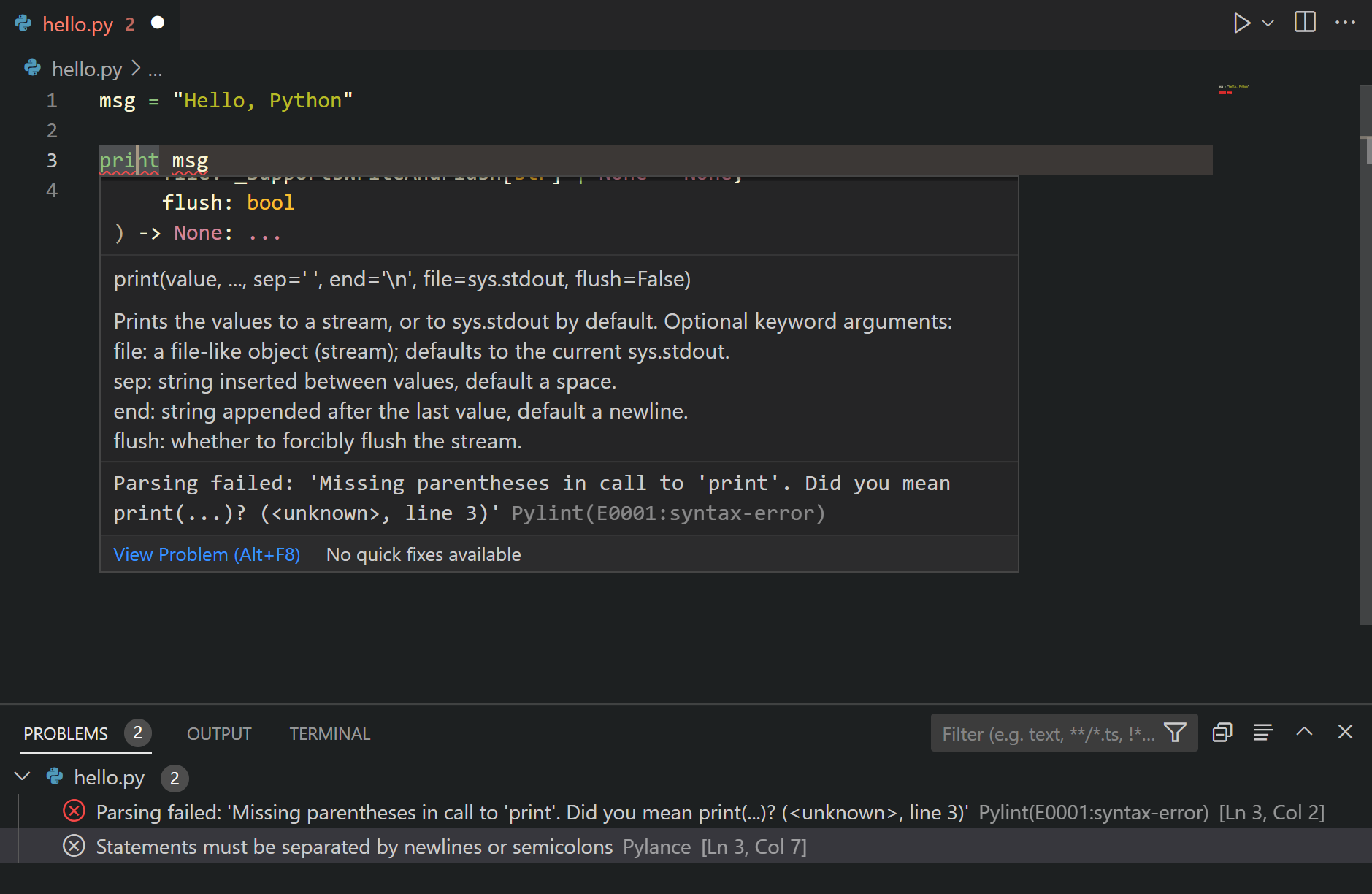
My goods friends at Microsoft were not done yet though. To top it all of, they have documented everything so well. It’s super easy to get started! There are numerous ordered pages dedicated to helping you set up and discover your new Python environment in VSC:
- With this step-by-step guide for beginners you learn how to set up Python in VSC on Windows 10. As added bonus, you are shown how to program a simple game.
- In this tutorial, you use Python 3 to create the simplest Python “Hello World” application in Visual Studio Code.
- On this overview page you are introduced to all fancy Python features.
The Microsoft VSC pages also link to some more specific resources:
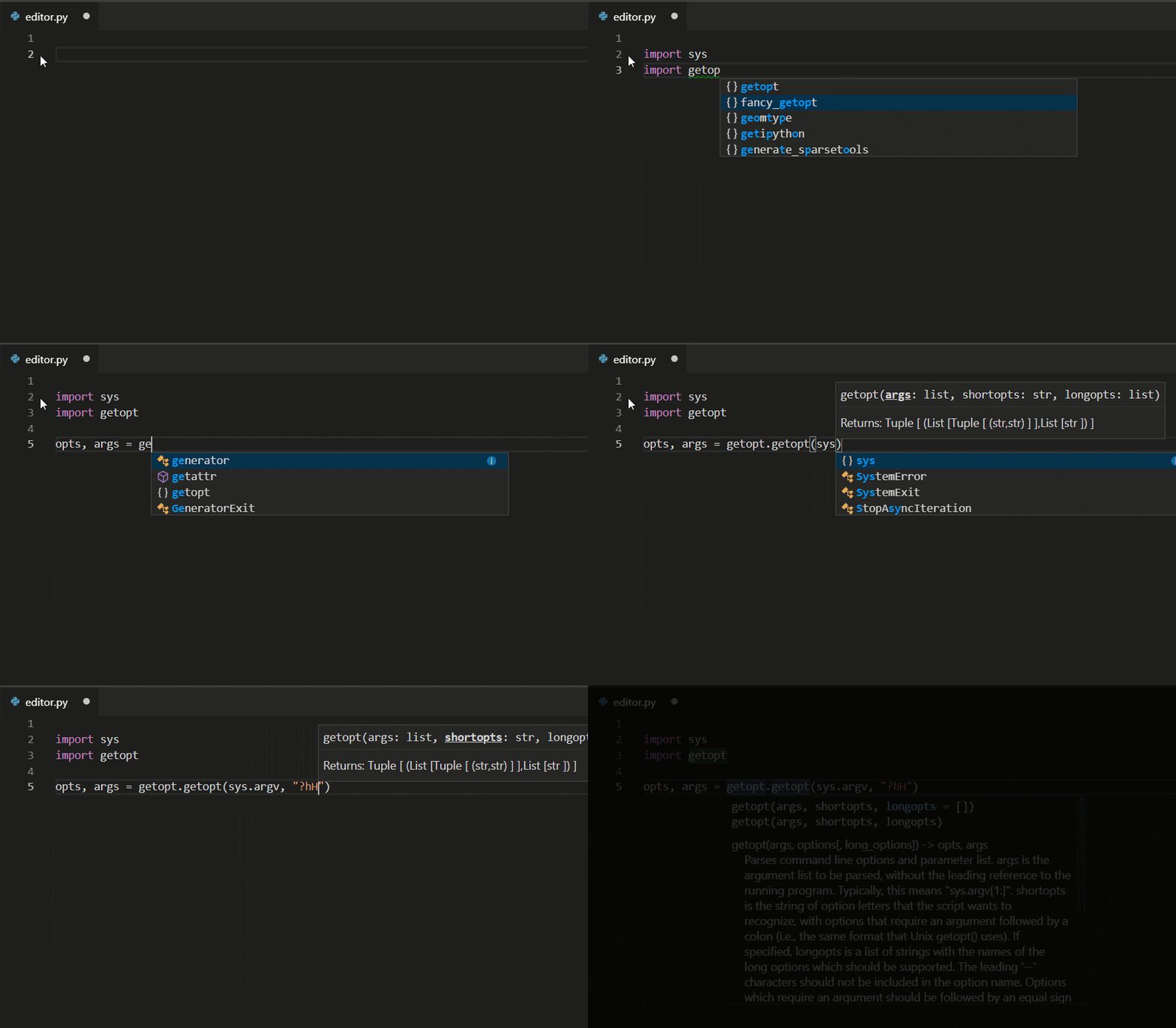
- Editing Python in VS Code: Learn more about how to take advantage of VS Code’s autocomplete and IntelliSense support for Python, including how to customize their behvior… or just turn them off.
- Linting Python: Linting is the process of running a program that will analyse code for potential errors. Learn about the different forms of linting support VS Code provides for Python and how to set it up.
- Debugging Python: Debugging is the process of identifying and removing errors from a computer program. This article covers how to initialize and configure debugging for Python with VS Code, how to set and validate breakpoints, attach a local script, perform debugging for different app types or on a remote computer, and some basic troubleshooting.
- Unit testing Python: Covers some background explaining what unit testing means, an example walkthrough, enabling a test framework, creating and running your tests, debugging tests, and test configuration settings.
My Own Python Journey
So three months in I am completely blown away at how easy, fun, and versatile the language is. Nearly anything is possible, most of the language is intuitive and straightforward, and there’s a package for anything you can think of. Although I have spent many hours, I am very happy with the results. I did not get this far, this quickly, in any other language. Let me share some of the stuff I’ve done the past three months.
I’ve mainly been building stuff. Some things from scratch, others by tweaking and recycling other people’s code. In my opinion, reusing other people’s code is not necessarily bad, as long as you understand what the code does. Moreover, I’ve combed through lists and lists of build-it-yourself projects to get inspiration for projects and used stuff from my daily work and personal life as further reasons to code. I ended up building:
- my own Twitter bot, based off of this blog, which I’ll cover in a blog soon
- my own email bot, based off of this blog, which I’ll cover in a blog soon. It sends me cheerful pictures and updates
- my own version of this Google images scraper
- my own version of this Glassdoor scraper
- a probabilistic event occurance simulator, which I’ll share in a blog post soon
- a tournament schedule generator that takes in participants, teams (sizes), timeslots, etc and outputs when and where teams needs to play each other
- a company simulator that takes in growth patterns and generates realistic HR data, which I plan to use in one of my next courses
- a tiny neural network class, following this Youtube tutorial
- solutions to the first 31 problems of Project Euler, which I highly recommend you try to solve yourself!
- solutions to the first dozen problems posed in Automate the Boring Stuff with Python. This book and online tutorial forces you to get your hands dirty right from the start. Simply amazing content and the learning curve is precisely good
I’ve also watched and read a lot:
- Automate the Boring Stuff with Python. Again, I highly recommend you work your way through this great (e-)book
- all Socratica Python Youtube videos. They are simply a fantastic introduction to the language and amazingly amusing. You can sponsor them here
- hours and hours of Corey Shafer’s Youtube channel. Seriously good quality content, and more in-depth than Socratica. Corey covers the versatile functionalities included in the standard Python libraries and then some more
Although it is no longer maintained, you might find some more, interesting links on my Python resources page or here, for those transitioning from R. If only the links to the more up-to-date resources pages. Anyway, hope this current blog helps you on your Python journey or to get Python and Visual Studio Code working on your computer. Please feel free to share any of the stories, struggles, or successes you experience!

















 paulvanderlaken.com